

I have an audio file but I can't upload it.
I tried uploading it to the CLOUD but it gives me an error.
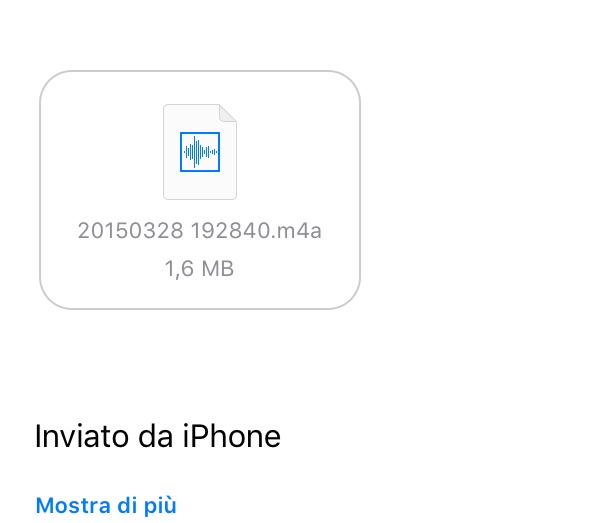
I am attaching an image.
Now I have it in my email since I had it on iPhone.

Started by
Member
Member
I have an audio file but I can't upload it.
I tried uploading it to the CLOUD but it gives me an error.
I am attaching an image.
Now I have it in my email since I had it on iPhone.
Member
Have you tried with Google Drive?
Member
Mmmmm... the problem is that I work a lot with the computer, but when it comes to files, formats etc... I get a bit confused.
I sent it to myself via email on the iPad because I work better there... but.....
Should I open it as a PDF?
Member
In PDF? But wasn't it supposed to be an audio file? It could be that the iPad can't read it, I wouldn't know, I don't use Mac
Member
We're waiting for Simone, go!!!
Thanks anyway for the tips.

Administrator
IPads, as well as iPhones, do not have a shared data storage system (with the exception of photos and videos); consequently, the audio file you sent yourself, via email I presume, belongs to the data related to the mail application. Since it is not shared, you can only use it within the mail app. Other applications may offer the possibility of importing files from other applications; therefore, in this case, if you open a PDF file inside mail, you can choose to "open it in..." another application. Safari, as well as Chrome for iPad, do not allow importing files from other applications and thus the file remains confined within the data in the Mail app. To import audio files into the forum, it is necessary to use a PC or a Mac. To upload files to the forum, you must click on the "Use full editor" button to be able to use the file upload plugin.
Member
Here is the help... thanks a lot Simone. In fact, I always have these problems with pads. I'll just make do with my home PC.