

thanks a lot for the video but nothing works anyway... I think it's really the keyboard that is too old! thanks again
Member
Reply 41 by Dama
- Posts
- 15
- City
- Verona
Started by
Member
Member
thanks a lot for the video but nothing works anyway... I think it's really the keyboard that is too old! thanks again

Administrator
I strongly doubt that the problem is the keyboard. Logically, if you want to make a VST sound by playing it from a keyboard (slang: master keyboard), it means that at the very least you have connected a MIDI interface that communicates the keyboard with the PC. This interface can be of different types, e.g., MIDI to MIDI, MIDI to USB, etc. The point is that connecting a MIDI interface to the keyboard means that this keyboard must have a MIDI port. If a keyboard has a MIDI port, it means it is capable of transmitting. As a designer, I would never dream of adding a communication port only to make it unusable... Then what was the point of putting it there? Furthermore, MIDI is a standard protocol; therefore, whether the keyboard is new or old does not affect the functioning of MIDI, which reached the standard as far back as 1985 and has remained unchanged until today. Unless the keyboard is a Prophet 600 having a MIDI port with a non-standard protocol, since it dates from 1983, I think it's unlikely that the problem could be related to the keyboard being too old,
So, assuming all the above suppositions are accurate and true, I would look for the problem in some setting of the keyboard or in the quality of the MIDI interface which could—I say could—be one of those Chinese ones where out of a sample of 100, 50 are broken, 40 are malfunctioning, and 10 are intact and working.
This is my opinion...
Member
you know your stuff, eh? I'll try again in the next few days and then let you know... thanks!
Member
nothing to do ....don't I have to install something on the computer that reads the keyboard? because if I connect the DJ console and press any key, then Logic reads it as a sort of keyboard and plays the sounds... if I connect the actual keyboard it tells me that I now have 1 input and 2 outputs, but if I press the keys nothing happens as usual
Administrator
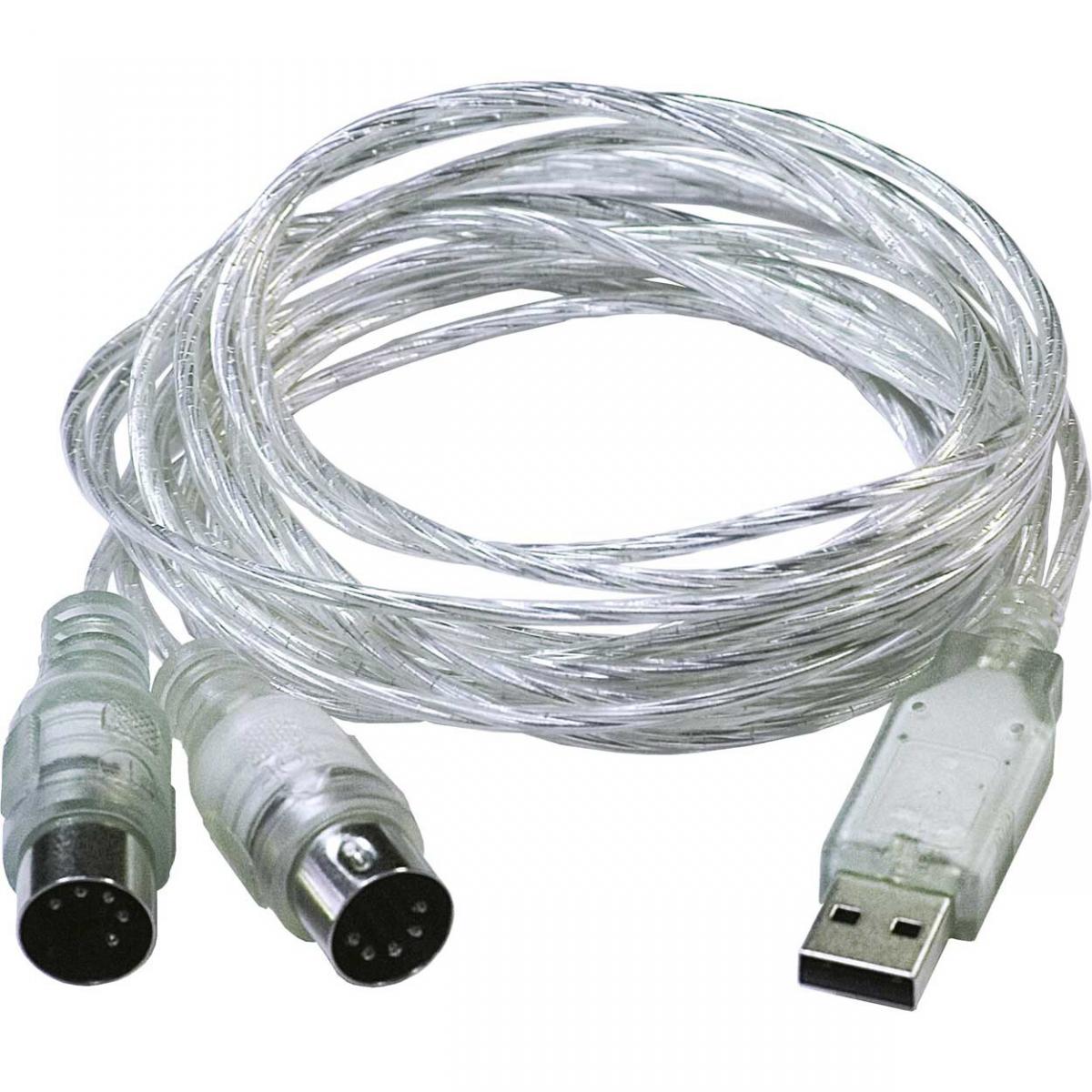
So wait, I think you are connecting it via USB and it's not recognizing it as a MIDI source but as an external sound card. You need to buy a MIDI to USB interface, like this one I sent you in the photo. Obviously, the MIDI connector goes to the keyboard and the USB one to the PC.
Member
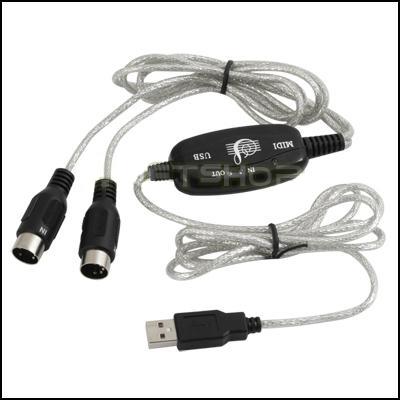
I have this cable... is it not good?
Administrator
the thing is really very strange because the cable is the right one. However, I wouldn't want it to be a broken interface. You should try connecting another keyboard, maybe by borrowing one, and see if it transmits MIDI data so as to rule out that the interface might be broken. If it's Chinese, it's very likely. A decent interface costs at least about 30 euros. How much did you pay for the one you have?
Member
it seems like 10€... I will try to do that too... the only thing left for me to do is go to a music store and ask them what I should do... I have no more ideas... you have been far too kind, when you pass through Verona let me know so I can buy you a pizza to make it up to you!
Administrator
It seems like the most sensible thing. The problem is surely a trifle, but resolving it remotely is not always possible.
Member
I tried going to a shop and they told me that if it has a MIDI output, then it can be connected to the PC and that it's just a matter of program configuration... they weren't of much help, so today I'll try going to the shop where I bought the keyboard... below is the part of the keyboard manual regarding MIDI...